

DentistUP Support
Email Support
For account issues, billing questions, or anything not covered below.
How to Delete Your Account
PermanentYou can permanently delete your account and all associated data directly from within the app at any time.
- 1Open DentistUP on your device
- 2Tap your profile icon in the top-right corner
- 3Go to Settings
- 4Scroll to the bottom and tap "Delete Account"
- 5Confirm deletion when prompted
⚠️ Account deletion is permanent and irreversible. Deletion does not cancel an active App Store or Google Play subscription; cancel Pro in your store settings first. Credits cannot be restored after deletion unless required by applicable law or the app store.
Using DentistUP on the web
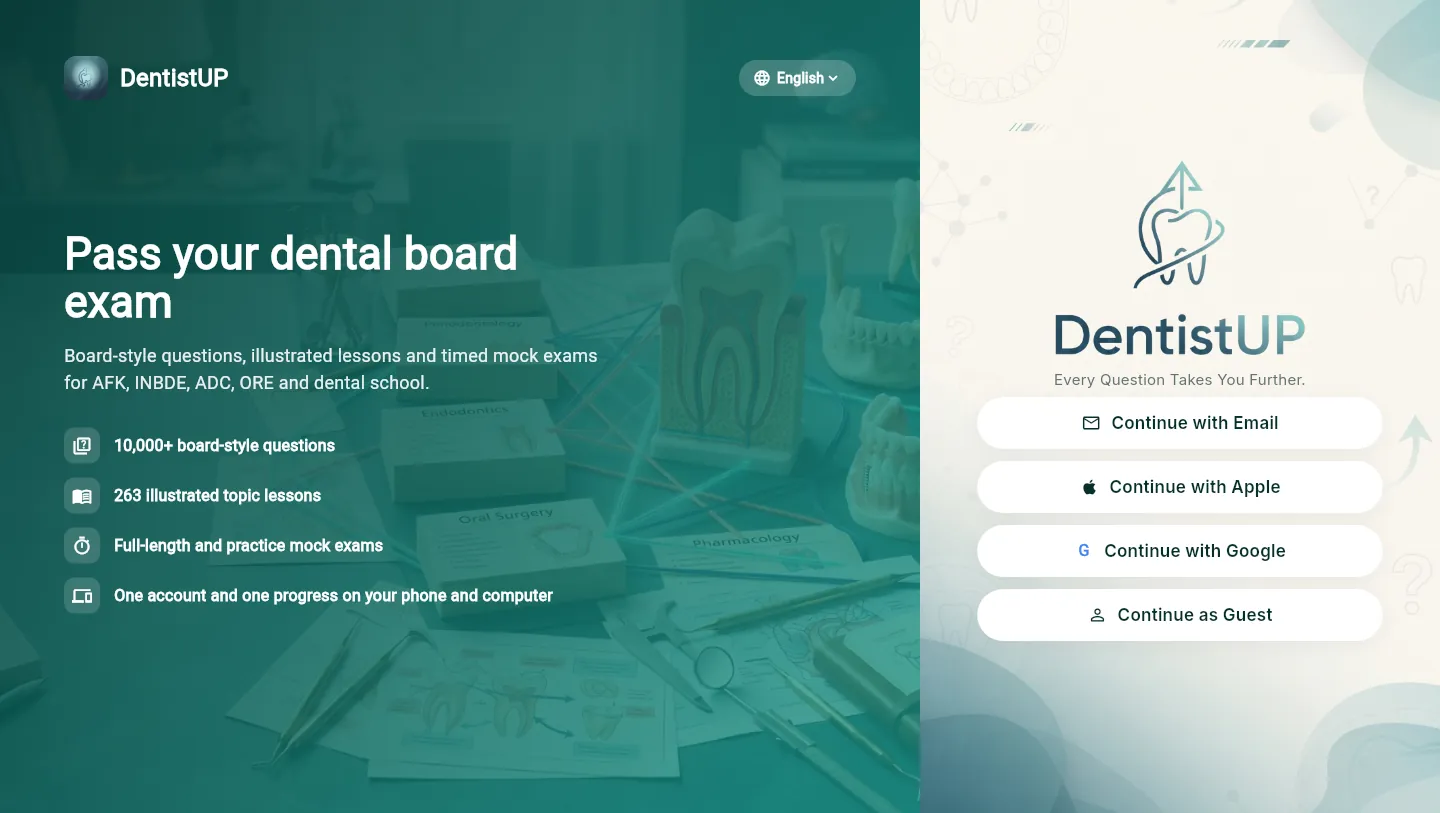
- 1Open dentistup-app.web.app, or select Web App at the top of any page on this site.
- 2Sign in with the same Apple, Google or email account you use on your phone. Your progress, Review Pool, bookmarks, saved visuals, credits and Pro membership are shared.
- 3Guest accounts live only in one browser or device. To continue a guest's mobile progress on the web, first open the mobile app → Settings → Save your progress and link Apple, Google or email. Then sign in on the web with that account.
- 4To change the language, use the language button on the sign-in screen, or Settings.
- 5If the page looks outdated, reload it.
Frequently Asked Questions
How do I delete my account?
Open DentistUP → tap your profile icon (top right) → Settings → scroll to the bottom → tap "Delete Account". This permanently deletes all your data including progress, credits, and activity. This action cannot be undone.
Can I use DentistUP on my computer?
Yes. Open dentistup-app.web.app, or select Web App at the top of any page on this site, and sign in with the same Apple, Google or email account you use in the app. Your progress, Review Pool, saved visuals, credits and Pro membership are shared.
My web app progress does not match my phone.
Check that you signed in with the same account on both. Guest accounts stay on one device: in the mobile app open Settings → Save your progress, link Apple, Google or email, then sign in on the web with that account. If the web page looks outdated, reload it.
How do I change the language?
Use the language button on the sign-in screen, or change it anytime in Settings. The app language does not depend on your phone or browser language.
How do I cancel or manage my Pro subscription?
Pro is managed by Apple or Google. On iPhone, open Settings → your name → Subscriptions → DentistUP. On Android, open Google Play → profile icon → Payments & subscriptions → Subscriptions → DentistUP. You can cancel at any time; access continues until the end of the paid period.
My Pro purchase isn't showing.
Open DentistUP → profile icon → Settings → "Restore Purchases". Make sure you are signed in to the same App Store or Google Play account you used to subscribe. If it still does not appear, email dr.socketscience@gmail.com.
I lost my progress after reinstalling. Can I recover it?
If you had a registered account (Google, Apple, or email sign-in), your progress is saved to the cloud. Simply sign in with the same account. Guest accounts cannot be recovered after uninstalling — linking a sign-in method is strongly recommended.
How do I request a refund?
Purchases are processed by Apple (App Store) or Google (Google Play). Apple users: visit reportaproblem.apple.com or contact Apple Support. Google Play users: open Google Play and navigate to your purchase history. See our Terms of Use for our voluntary refund policy.
I bought credits but they did not appear. What do I do?
Open DentistUP → profile icon → Settings → "Restore Purchases". If the issue persists, contact us at dr.socketscience@gmail.com with your order number.
How do I report an incorrect question?
Inside any question screen, tap the "Report" button (flag icon). Describe the issue and submit. Our clinical team reviews all reports and updates the question bank regularly.
Can I use DentistUP offline?
Some content may be available offline if cached. Features requiring real-time data, such as AI explanations, need an internet connection.
My question is not listed here.
Email us at dr.socketscience@gmail.com. We respond within 48 hours on business days.